Understanding UK OTP SMS: A Comprehensive Guide
Introduction
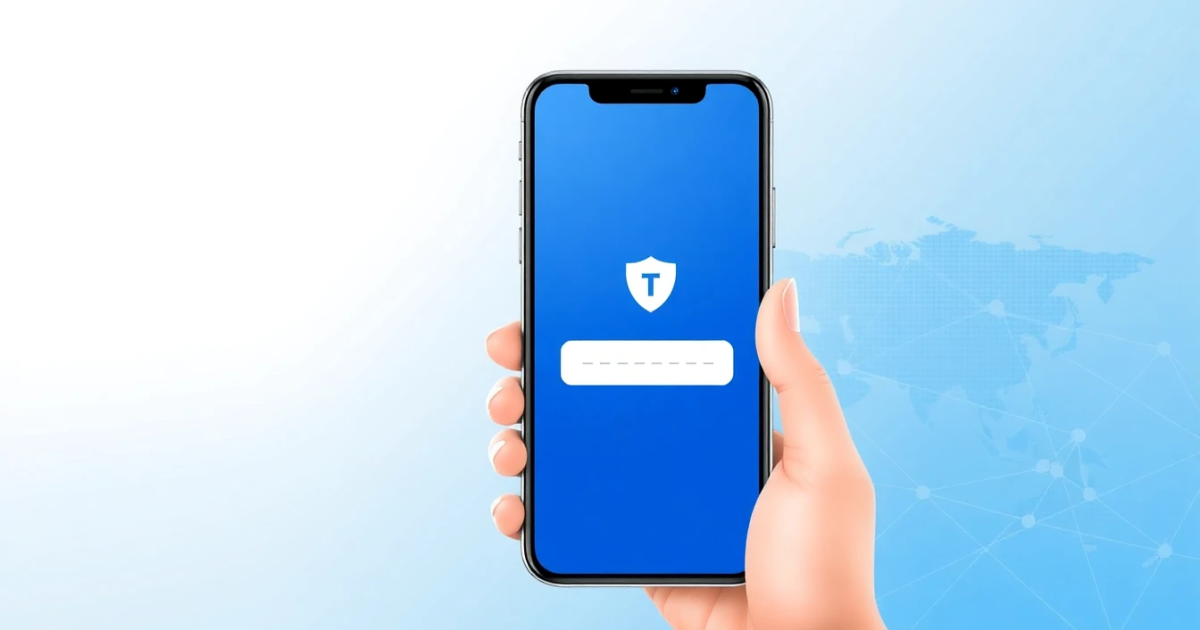
UK OTP SMS refers to the one-time passwords (OTPs) sent via short message service (SMS) in the United Kingdom for verification purposes. This method is common in online transactions, account logins, and setups for enhanced security. The main goal of these SMS-based OTPs is to confirm that the entered phone number belongs to you, providing an extra layer of authentication for various applications.
What it Means / How it Works
One-time passwords are temporary codes sent to your registered mobile number. They are designed to authenticate your identity for online transactions, account creation, or sensitive operations. When you attempt to access your account or perform a critical transaction, the service triggers an OTP SMS to your phone.
Here’s how it generally works:
- You provide your phone number during account setup or login.
- The system generates a unique OTP, typically 6 to 8 digits long.
- This OTP is sent to your phone via SMS.
- You enter the OTP in the provided interface on the service’s website or app.
- If the OTP matches what the server has, your identity is verified and access is granted.
Practical Scenarios
UK OTP SMS can be extremely useful in various conditions, including:
- Completing bank transactions or transfers safely.
- Logging into online banking or finance apps.
- Registering for new online platforms like e-commerce sites or social media.
- Changing passwords or recovering account access securely.
- Two-factor authentication (2FA) to enhance security across various apps.
- Verifying new mobile wallets or payment services.
- Receiving promotional discounts or offers via OTP for verification.
- Confirming ticket purchases for events such as concerts or flights.
- Protecting online accounts against unauthorized access.
- Securing confidential communications in niche services.
Step-by-Step
Setting up UK OTP SMS for your accounts or services is straightforward. Here’s a simple step-by-step process:
- Select a Service: Choose an online service or app requiring phone number verification.
- Enter Your Phone Number: During registration or action requiring authentication, fill in your mobile number.
- Receive the OTP: Check your phone for an SMS containing the OTP; this usually arrives within seconds.
- Input the OTP: Navigate to the website or app and enter the provided OTP in the relevant field.
- Complete the Process: Once verified, your action will proceed (e.g., account login, transaction completion).
Safety/Privacy/Legal
Utilizing UK OTP SMS greatly enhances security, but being aware of privacy and legal aspects is crucial:
- Privacy Risks: While SMS OTPs add protection, they can sometimes be intercepted, leading to security risks. Always ensure you keep your mobile number private.
- Legal Requirements: Under GDPR, companies must handle your phone number appropriately, obtaining consent before sending OTPs and allowing retrieval or deletion of personal information.
- Potential Scams: Be wary of unsolicited OTP messages, as these might indicate phishing attempts. Never share your OTP, and report suspicious messages.
- Account Recovery: OTPs in account recovery plans are useful, but ensure your old phone numbers are not accessible by unauthorized individuals.
- Security Measures: Use secure apps that support OTP to aid in safe communication.
Best Alternatives
If you’re looking for alternatives to SMS OTP for verification, there are several options. Consider methods like:
- Email Verification: Many services send OTPs via email as an alternative to SMS, utilizing your registered email address for confirmation.
- Authenticator Apps: Applications like Google Authenticator or Authy can generate OTPs without needing an SMS, allowing offline access that improves security.
- Hardware Tokens: Devices that generate OTPs can be used for the highest levels of security, ideal for businesses and professionals.
- Push Notifications: Some apps support push-based notifications for OTP connectors, eliminating the need for SMS delivery.
- PVACodes: If you are interested in SMS services, consider using a platform like PVACodes that can provide virtual phone numbers specifically for OTP needs without revealing your personal phone number.
Frequently Asked Questions
Q: What is an OTP?
A: OTP stands for One-Time Password. It is a unique code sent to your phone or email to verify your identity during account logins or transactions.
Q: How long is an OTP valid for?
A: Depending on the service provider, OTPs generally remain valid for a few minutes, often between 30 seconds to 10 minutes after issuance.
Q: What should I do if I don’t receive the OTP?
A: Ensure that the phone number you've provided is correct, check your network connection, or try requesting the OTP again. Also, consider your phone's SMS filtering settings.
Q: Is it safe to share my phone number for OTP?
A: While providing your number for OTP services adds a layer of security, it is crucial to ensure the company requesting it is legitimate to avoid falling victim to scams.
Q: Can OTPs be used for two-factor authentication (2FA)?
A: Yes, OTPs are frequently utilized as a second form of identification in two-factor authentication systems, requiring you to enter both your password and a received OTP.
Q: Are SMS OTPs more secure than passwords?
A: While SMS OTPs significantly enhance security by adding an additional verification step, they still involve risks like interception. A combination of unique passwords and OTP is generally recommended.
Q: Can I use the same phone number for multiple accounts?
A: Yes, you can use the same phone number for various accounts, but be mindful of privacy and security implications.
Q: What happens if I change my phone number?
A: When changing numbers, be sure to update your contact information in all relevant accounts to ensure you continue receiving OTPs.
Q: Are all OTPs sent via SMS secure?
A: While SMS is generally secure for transmitting OTPs, no system is foolproof. Always ensure that the number involved is not accessible to others.
Q: What if someone else receives my OTP?
A: If someone else receives your OTP, they could potentially access your accounts if they have your linked details. Always keep your OTP confidential and secure.
Conclusion
UK OTP SMS is an essential tool for enhancing the security of your online transactions and accounts. By understanding how OTPs work and their privacy implications, you can make the most out of this method of verification. Whether opting for SMS or exploring alternative methods, the critical takeaway is to stay informed and vigilant when it comes to protecting your personal information online.