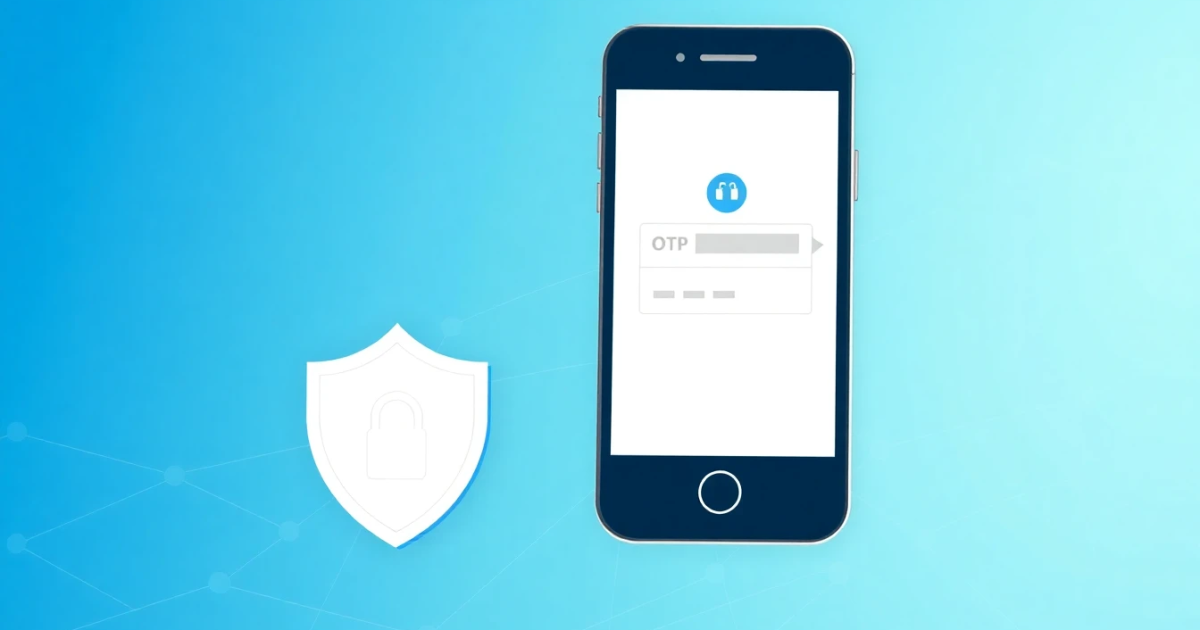
Understanding SMS-Active Services: How Online Phone Verification Works
When you search for sms-active, you are usually looking for a way to receive online verification codes without using your actual mobile phone number. These services provide temporary, virtual, or rental phone numbers to help you complete SMS verification for websites, apps, and online accounts. However, public or temporary numbers come with notable limitations regarding privacy, account recovery, and platform compatibility.
Quick Answer
An SMS-active service provides online phone numbers to receive short message service verification codes and one-time passwords. It helps you register for accounts without exposing your personal phone number, but free or public options are not private and rarely work for long-term account recovery.
- Useful for quick signups, testing, and protecting personal privacy
- Public free inboxes allow anyone to view incoming messages
- Paid rental numbers offer better security for repeat logins
Introduction
Modern websites, messaging platforms, and digital services frequently require phone verification before letting you create an account or complete a transaction. This security step uses a one-time password (OTP) sent via text message to confirm you are a real person.
If you prefer not to share your personal mobile number for privacy reasons, or if you need an alternative number for international registration, you might look into online SMS activation solutions. Understanding how these systems operate helps you choose the right approach, avoid common pitfalls, and protect your digital identity from unnecessary exposure.
What it means / how it works
An SMS-active platform functions as an online gateway that collects text messages sent to virtual phone numbers. Instead of inserting a physical SIM card into a phone, you view incoming text messages through a web browser or dashboard.
The process generally follows a straightforward path:
- You select a virtual phone number from a specific country or carrier list.
- You enter that number into the registration form of the website or app you want to use.
- The platform sends an SMS verification code or OTP to that virtual number.
- The incoming message appears in your online inbox within a few seconds or minutes.
- You copy the code and paste it into the registration page to finish creating or verifying your account.
Behind the scenes, these numbers are hosted on cloud-based telecom equipment or routed through digital SMS aggregators. Depending on the service provider, numbers can be free and public, temporary for single-use verification, or rented privately for a specific time window.
Practical scenarios
Virtual SMS verification numbers serve several everyday digital needs. Here are the most common practical scenarios where people use these services:
- Testing software and apps: Developers and quality assurance testers often need multiple accounts to verify how user onboarding works across different regions.
- Protecting personal privacy: Signing up for forums, newsletters, or niche web services without exposing your primary mobile number helps reduce spam calls and unwanted marketing texts.
- Managing regional accounts: Some international platforms restrict registrations to specific country codes, requiring a local virtual number to complete the signup flow.
- Temporary platform access: Creating a secondary account on a social media or e-commerce platform where you do not plan to maintain long-term personal engagement.
- Avoiding SIM card requirements: Users traveling abroad or working remotely who need to verify a local digital service without purchasing a physical local SIM.
- Freelance and business separation: Managing separate online profiles for client work or digital marketing projects without mixing them with personal contact details.
Step-by-step
Using an online SMS verification service involves a few basic steps. Here is how to complete the process safely and efficiently:
- Choose a reliable provider: Select a platform that offers the country and app compatibility you need, keeping in mind whether you require a free public inbox or a private rental number.
- Select your country and service: Pick the country code corresponding to the platform's requirements and specify the app or website if the system filters by service type.
- Copy the assigned number: Generate or select the virtual phone number provided by the system.
- Enter the number into the target app: Paste the number into the phone verification field of the website or app where you are creating an account.
- Wait for the message: Keep the webpage or dashboard open while the system waits for the carrier to deliver the verification text.
- Retrieve the OTP: Read the incoming text message from your online inbox, copy the verification code, and paste it into the app to complete your registration.
Safety/privacy/legal
Using virtual phone numbers involves important privacy, security, and legal considerations that every user should understand before getting started.
First, public free inboxes are never private. Any message sent to a public number can be viewed by anyone else visiting that webpage. If you use a free public number to register for a personal email, banking, or social media account, other strangers may be able to access your inbox and reset your password later.
Second, number recycling is a common practice in telecom. Virtual numbers are frequently reassigned to new users after a period of inactivity. If you do not maintain ownership of a private rental number, a future owner could potentially trigger a password recovery request and gain access to your account.
Finally, always comply with the terms of service of the websites and apps you use. While using alternative numbers for privacy during registration is common, attempting to bypass platform security measures, create fraudulent bulk accounts, or engage in malicious activity violates terms of service and can result in permanent account bans.
Best alternatives
When searching for reliable online phone verification options, you will encounter various platforms offering different features, pricing models, and coverage levels.
Free public SMS websites work well for low-risk testing where privacy does not matter, but they suffer from high traffic, blocked numbers, and visible messages. Temporary single-use numbers offer a step up by giving you an exclusive inbox for a short duration, though they still lack long-term utility.
For users who need a private paid option with dedicated control during the rental period, PVACodes can be considered as one SMS verification solution, depending on the country, app, and current availability.
Frequently Asked Questions
Q
What does SMS-active mean?
It refers to services or platforms that supply online virtual phone numbers capable of receiving text messages, OTPs, and verification codes from websites and mobile apps.
Q
Can I use free virtual numbers for important accounts?
It is strongly discouraged. Free numbers are usually public, meaning anyone can view your incoming messages, which creates a major security risk for personal accounts.
Q
Why did my verification code not arrive?
Delivery delays happen due to carrier filtering, high traffic on the virtual number, or because the platform has blocked that specific phone number range.
Q
What is the difference between a temporary number and a rental number?
A temporary number is used once and expires quickly, whereas a rental number belongs to you exclusively for a set period, allowing for repeat logins and password recovery.
Q
Are virtual numbers legal to use?
Yes, using virtual numbers for privacy or testing is legal in most jurisdictions, provided you do not break the terms of service of the target app or engage in fraud.
Q
Do virtual numbers work for all apps and websites?
No. Many financial institutions, major social media platforms, and secure services detect and block VoIP or virtual number ranges to prevent automated signups.
Q
How do I recover my account if I lose access to the virtual number?
If you used a free or expired number that you no longer control, account recovery is usually impossible once you are logged out. Always use private rental numbers for accounts you intend to keep.
Q
What is an OTP?
OTP stands for one-time password. It is a temporary security code sent via SMS to verify your identity during login or registration.
Q
Can I make outgoing calls with an SMS-active number?
Most SMS verification numbers are designed exclusively for receiving incoming text messages and do not support outgoing calls or voice verification.
Q
How long do virtual numbers remain active?
Activity duration varies by provider. Free numbers update constantly, temporary numbers last from 10 minutes to a few hours, and rental numbers can be kept for days, weeks, or months.
Conclusion
Using an SMS-active service helps protect your personal privacy and simplifies online account creation when you prefer not to share your real phone number. However, you must weigh the risks of public inboxes, account recovery limitations, and platform restrictions before choosing a number. Assess your needs, select private rental options for important accounts, and always follow platform guidelines to maintain secure digital habits.