Understanding Received SMS: Everything You Need to Know
Introduction
Have you ever expected an important message only to find it hasn’t arrived yet? Understanding how received SMS works can provide insights into your communication experience. SMS, or Short Message Service, is a text messaging service that allows users to send and receive messages using mobile phones. When you "receive SMS," you are accepting a text message sent from another device. This article explores the workings behind received SMS, practical scenarios where it is used, a guide on how SMS interactions occur, and the safety and privacy considerations involved.
What It Means / How It Works
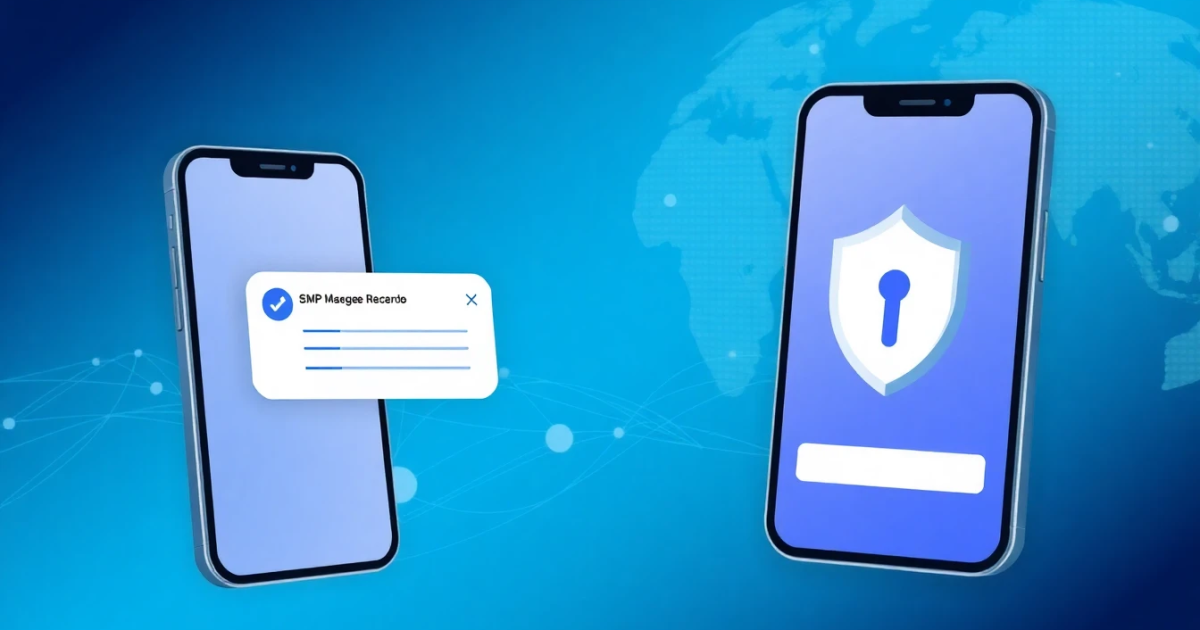
Receiving an SMS involves several key components, including mobile networks and SMS protocols. When someone sends you a text message, it routes through their device and your mobile carrier’s network to reach you.
The basic flow goes as follows:
- Sender Sends SMS: The process begins when a sender types out a message on their device and hits send.
- Routing Through Networks: The message travels across mobile networks, moving between towers and switches until it hits your carrier's network.
- Delivery to Your Phone: Once your carrier’s network processes the SMS, it sends it straight to your mobile device, alerting you with a notification.
This communication can happen quickly, but various factors such as network congestion, signal strength, and the sender's service can affect the delivery time.
Practical Scenarios
Receiving SMS messages applies to various everyday situations. Here are some practical scenarios where SMS messages play a vital role:
- **Account Verification:** Many online services send a verification code to your phone to confirm your identity during account setup or access.
- **Notifications from Apps:** Applications like banking apps may send alerts for transactions directly to your SMS for security purposes.
- **Two-Factor Authentication (2FA):** A security measure that requires you to enter a code received via SMS for an added layer of protection when logging into accounts.
- **Travel Alerts:** Airlines may send updates about flight changes, cancellations, or boarding information to your mobile number.
- **Reminders:** Services can provide reminders about appointments, payments, or deadlines through SMS.
- **Promotional Messages:** Businesses often reach customers through SMS promotions or alerts for new products and services.
- **Emergency Alerts:** Authorities might send important notifications concerning safety or weather-related emergencies.
- **Communication with Friends & Family:** Daily conversations can happen via SMS when online access is unavailable.
- **Surveys or Feedback Requests:** Companies frequently gather feedback through SMS after you’ve engaged with their service.
- **Appointment Scheduling:** Health providers may send you reminders or confirmations regarding upcoming appointments.
Step-by-Step Guide to Receive SMS
Receiving an SMS is generally automatic if your device is set up correctly. Here's a simple step-by-step guide:
- **Check Your Device Settings:** Ensure that your phone's messaging service is active and that you have mobile network connectivity.
- **Save the Sender's Number:** If the sender's number is not saved, ensure you know the number sending the SMS, especially for verification codes.
- **Wait for Delivery:** Wait for the SMS notification alert. This usually appears on your screen when a message arrives.
- **Open the Message App:** Navigate to your messaging app to view all received SMS. You may open the conversation thread to read the messages.
- **Respond If Necessary:** If the message requires a reply, simply type your response in the conversation thread and press send.
This straightforward process generally applies unless interruptions arise due to connectivity or device issues.
Safety, Privacy, and Legal Considerations
While SMS provides a convenient communication method, it comes with privacy and safety concerns. Here are some key points to keep in mind:
- Privacy Risks: Unsolicited text messages, often referred to as spam, can invade your privacy. Sharing your number might expose you to unsolicited advertisements or scams.
- Legal Safety: Beware of phishing scams that exploit SMS to gain personal information. Confirm messages originating from businesses before engaging.
- Data Collection: Companies receiving your number often store it for marketing purposes. Understanding privacy policies upon submission is crucial.
- Network Security: Confirm that your mobile carrier uses secure protocols for SMS to minimize interception risks.
- Offensive Content: Make sure to report unwanted or creepy messages promptly through your mobile carrier or privacy agencies.
Recognizing these aspects helps maintain your security while using SMS communication effectively.
Best Alternatives
While SMS offers easy communication, other increasingly popular alternatives exist. These options can enhance your texting experience, particularly in terms of security. Consider these alternatives:
- Messaging Apps: Apps like WhatsApp, Telegram, and Signal offer encrypted messaging options, providing an added security layer compared to standard SMS.
- Email Verification: Some services provide verification codes through email, which can be a secure method if regularly monitored.
- Virtual Numbers: Services that document texts through a temporary or rental phone number help enhance privacy, as you can limit personal details exposed.
- Multi-Factor Authentication Apps: Apps such as Google Authenticator increase security beyond SMS, working without the need for your mobile service.
For users who rely on SMS verification but prefer more privacy, PVACodes provides a way to receive verification codes through virtual phone numbers securely.
Frequently Asked Questions
What does "received SMS" mean?
"Received SMS" refers to the text messages delivered successfully to a mobile device from another mobile device or service.
Why didn't I receive the SMS?
You may not have received an SMS due to poor signal strength, if the sender is using an unsupported messaging app, or issues with network congestion.
How long does it take to receive an SMS?
Typically, SMS delivery time is immediate; however, it can take longer due to network delays or high traffic volumes.
Can SMS messages be traced?
Yes, SMS messages can be traced by mobile carriers and involve networks traffic logs; however, casual observers cannot easily access these logs.
Is SMS secure?
While SMS is generally secure, it lacks the encryption found in many messaging apps, making it vulnerable to interception.
What if I receive unsolicited SMS?
If you receive unsolicited SMS, you can report them to your mobile carrier, often leading to action against the sender.
What is the difference between SMS and instant messaging?
SMS specifically refers to text messages sent via mobile networks, while instant messaging allows real-time communication mainly through data-enabled applications.
How can I prevent others from messaging me?
You may block specific numbers through your device or adjust privacy settings in messaging applications to limit unwanted texts.
Can received SMS affect my phone performance?
Receiving SMS generally does not affect phone performance, but excessive spam messages may hinder your ability to receive important communications.
What should I do if I accidentally delete an important SMS?
You can recover deleted messages through your phone's backup service if available, or by using specific recovery apps designed for SMS restoration.
Conclusion
Understanding how to receive and manage SMS messages plays a crucial role in effective communication. Above all, maintaining awareness of associated risks, privacy factors, and exploring alternatives like virtual numbers ensures a safer user experience. Don't hesitate to look into other messaging services if you value privacy and security in your communications.