Understanding OTP SMS in the US: Your Complete Guide
Introduction
OTP SMS, or one-time password short message service, is a widely used method for authentication and security in digital transactions. In the United States, this service is essential for enhancing security during account logins, online banking, and even e-commerce purchases. However, details about what OTP SMS is, how it works, and its implications for safety and privacy might not be apparent to everyone. This comprehensive guide outlines everything you need to know about OTP SMS in the US.
What it Means / How it Works
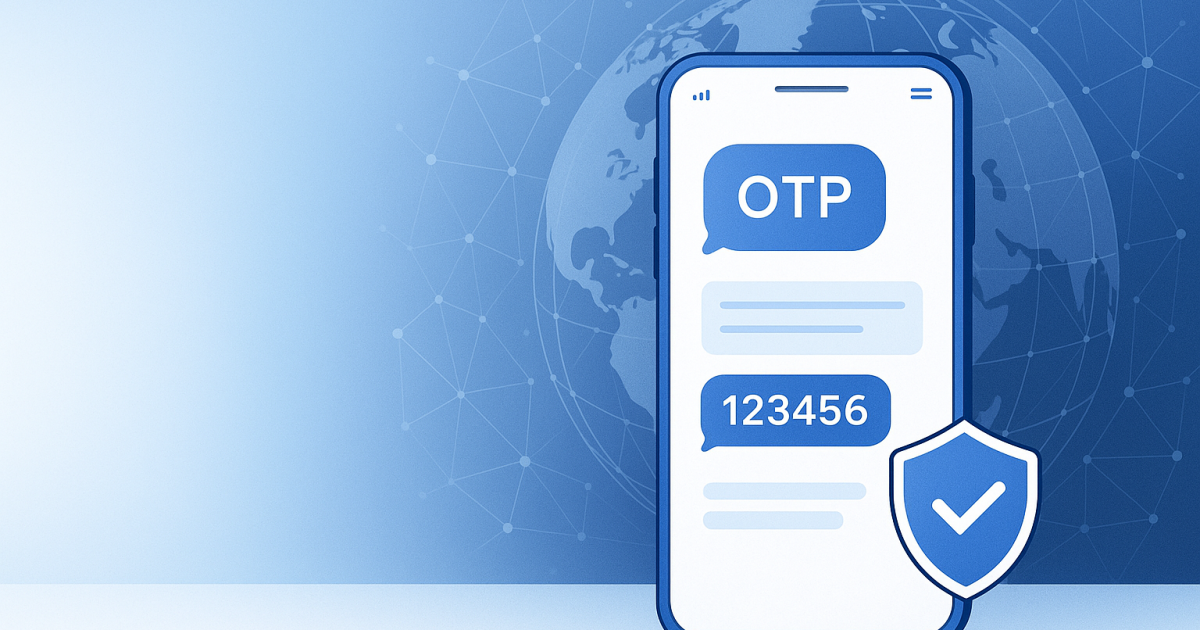
An OTP is a unique code sent via SMS to verify a user’s identity. It is typically time-sensitive and can only be used once, making it an essential part of two-factor authentication (2FA). When you attempt to log into a secure account or perform a sensitive transaction, the service provider sends an SMS containing the OTP to your registered mobile number. You enter this code on the website or app, providing an additional layer of security beyond just your regular password.
The entire process involves several steps:
- You enter your login credentials on a website.
- The server recognizes the need for additional verification and triggers the SMS with the OTP.
- The SMS is relayed through your mobile service provider, aiming to your device.
- You receive the SMS, usually within seconds.
- You enter the received OTP into the required field on the website/app.
- If the code matches what the server generated, you gain access.
Practical Scenarios
OTP SMS plays a critical role in various scenarios, ensuring more secure online experiences. Here are some practical uses:
- Logging into email accounts: Extra security helps protect against unauthorized access.
- E-banking transactions: Verifying sensitive actions ensures that you're the one accessing your funds.
- Online shopping: Secures payments, reducing the risk of fraud.
- Social media logins: Prevents account hacking by requiring a secondary confirmation.
- Online forum registrations: Confirms the validity of email addresses during sign-up.
- Password recovery: Allows you to reset your password that only you can verify.
- Subscription management: Provides security while modifying stored payment methods.
- Corporate network access: Boosts security for remote work environments.
- Official government websites: Enhances authentication where sensitive information is involved.
- Healthcare portals: Protects personal health information from unauthorized access.
Step-by-Step
If you're new to using OTP SMS, here’s how to navigate the process:
- Register your number: Ensure your phone number is linked to the respective service. If you've changed your number, update your information immediately.
- Login attempt: Navigate to the login page for your desired service and enter your username and password.
- Request OTP: After submitting your credentials, you will typically see a prompt indicating that an OTP will be sent to your registered phone number.
- Receive the OTP: Check your SMS messages for the one-time password. This message usually contains a numerical code and, occasionally, instructions.
- Enter the code: Input the received OTP into the field provided on the login screen.
- Access granted: If the code is correct, you should have access to your account or requested service. If it's not, check for typographical errors and try again.
Safety / Privacy / Legal
While OTP SMS greatly enhances security, it is essential to remain aware of some important safety, privacy, and legal concerns:
- SMS Interception: SMS messages can be intercepted by malicious individuals, so consider using apps that support OTP for increased security.
- Sim Swap Attacks: Cybercriminals can manipulate your mobile carrier to take control of your phone number, compromising OTP delivery. Always secure your SIM card by implementing carrier locking methods.
- Phishing Scams: You might receive fake messages asking for your OTP code. Only input your OTP on trusted websites and application platforms.
- Data Sharing: When registering or using OTP services, reading through sections concerning how your data is stored and used is crucial for privacy protection.
- Regulatory Compliance: Be aware of legal frameworks like the GDPR, which outlines how personal data should be handled. Make sure the companies you utilize comply with these regulations.
- Temporary Errors: Sometimes, OTP messages may fail to be sent due to network issues, overloads, or the number may not be on the list of accepted devices for that service.
Best Alternatives
While OTP SMS remains a prevalent method of verification, there are alternative solutions that deliver similar benefits:
Authenticator Apps: Applications like Google Authenticator generate time-sensitive codes that can serve as OTPs without relying on SMS, making them more secure as they don't redirect through your phone network.
Email Verification: Similar to SMS codes, some services offer the option to send codes via email. However, consider the potential security risks of email breaches.
Hardware Tokens: Devices like YubiKey provide an physical item that generates OTPs or utilizes unique encryption approaches, enhancing your login security.
For individuals seeking a secure method that doesn't rely on SMS, PVACodes offers reliable alternatives to traditional verification.
Frequently Asked Questions
What is an OTP?
An OTP is a one-time password sent to a user to authenticate their identity during login or financial transactions. It’s designed to enhance security.
Do I need a special app for OTP verification?
Not necessarily. Mobile devices can receive OTPs via SMS or an authenticator app can be used to avoid reliance on SMS. Both methods are effective but have differing security levels.
How secure is OTP SMS?
OTP SMS adds a significant layer of security compared to just using passwords. However, it can be intercepted, so consider supplementary security measures.
Can I use the same OTP for multiple logins?
No, OTPs are time-sensitive and can only be used once, ensuring that your secure authentication process remains uncompromised.
What if I don’t receive my OTP SMS?
Check your network signal, ensure you registered the correct phone number, and try resending. If the problem persists, contact your service provider.
How often will I receive an OTP?
You generally receive an OTP whenever you attempt a secure action requiring verification, such as logging in from a new device or performing a high-risk transaction.
Are there limits on the number of OTP requests?
Most services have a time limit for OTPs and a limit on how frequently you can request them within a specific timeframe to prevent abuse.
Why am I not getting OTP codes from specific services?
Possible reasons include your mobile number not being registered correctly, your device being incompatible, network issues, or local carrier limitations.
Is it better to use OTPs via SMS or apps?
Authenticator apps are generally considered safer as they are harder for hackers to intercept compared to SMS messages.
What other uses does OTP serve beyond security?
OTP is mainly used for enhancing security, but it can also be utilized for confirming transactions and user identity verification purposes in various applications.
Conclusion
OTP SMS plays a critical role in securing online identities and financial transactions in the US. Understanding its functionality, best practices, and alternative methods enables users to improve their digital safety. Although OTP SMS provides a valuable layer of defense, be sure to remain vigilant against potential risks associated with their use. By adopting other secure verification methods when necessary, you can fortify your online security against potential threats.