OTP SMS in Albania: A Comprehensive Guide
Introduction
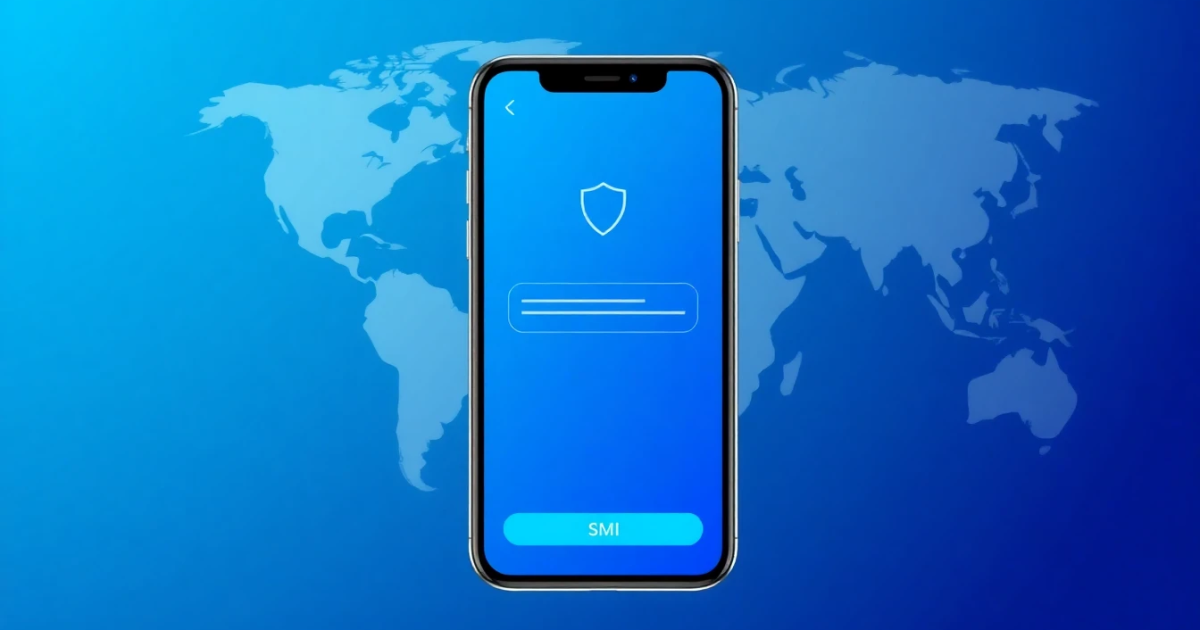
OTP SMS, or One-Time Password SMS, is a crucial element of online security, especially in Albania. This technology is designed to provide an extra layer of protection during online transactions or account logins. When you perform certain actions—like signing in to online banking or registering a new account—you may receive a one-time password via SMS. This password is only valid for a short time and must be entered promptly to continue. Understanding how OTP SMS works and its relevance in daily online interactions can make your experience safer and more seamless.
What it Means / How it Works
OTP SMS serves as a part of two-factor authentication (2FA). Essentially, it adds an additional verification step to ensure that the person trying to access an account is indeed the account owner. Here’s how it all works:
- When you attempt to log in or complete a transaction, the platform you are using will trigger an OTP.
- This OTP is generated and sent as an SMS to your registered mobile number.
- The password can often be a six-digit code that expires within a few minutos, preventing unauthorized access if someone happens to intercept the code.
- You must enter this code in the prompted field to verify your identity and proceed.
This method is particularly useful in reducing the risk of hacking, phishing, or unauthorized access, giving you enhanced control over your accounts.
Practical Scenarios
Understanding how and where OTP SMS is used can help you appreciate its importance. Here are some common scenarios where you might encounter OTP SMS in Albania:
- Online Banking: Every time you log into your online banking account, you may be required to enter an OTP sent via SMS to complete your login.
- Email or Social Media Accounts: Services like Gmail, Facebook, and others often require OTP verification for significant account actions or suspicious logins.
- Payment Processing: When making online purchases, you may receive an OTP to confirm the transaction, ensuring that it's you making the purchase.
- App Registration: Many mobile applications require OTP SMS for registration to confirm that a valid phone number is being used.
- Bonus or Loyalty Programs: Retail platforms may send OTPs to verify identities when users are registering for loyalty accounts or redeeming credits.
- Account Recovery: If you forget your password, you usually receive an OTP to your registered phone number to verify your identity during the password reset process.
- Secure Access to Government Websites: Some governmental services may require OTP verification due to the sensitive nature of the services offered.
Step-by-Step
Using OTP SMS effectively requires understanding the process. Here’s a straightforward step-by-step guide that illustrates how OTP SMS is typically utilized:
- Open the Application or Website: Start by accessing the service you wish to use, be it a banking app, social media platform, or any other web service that utilizes 2FA.
- Enter Username and Password: Input your secure credentials as you normally would when logging in.
- Request OTP: If the service requires OTP verification, it will typically inform you via the screen following your password entry.
- Receive the OTP: Wait for a few moments as an SMS containing a unique six-digit OTP is sent to your phone.
- Input the OTP: As soon as you receive the OTP, enter it into the requested field on the application or website.
- Complete Your Process: After successfully entering the OTP, you’ll gain authorization to proceed with your login, complete a transaction or recover your account.
Safety/Privacy/Legal
While OTP SMS provides an additional barrier of security, it is essential to be mindful of certain safety and privacy considerations:
- Security Risks: SMS messages can potentially be intercepted through social engineering or other hacking techniques, compromising your security.
- Phishing Threats: Be wary of unsolicited OTP requests. Never share your OTP with others, even if they claim to be from a legitimate service.
- SIM Card Swapping: If someone gains access to your SIM card through fraud, they might be able to receive your OTPs. Contact your carrier immediately if you suspect any unusual activity.
- Legal Implications: Ensure that the services you’re using comply with data protection regulations of Albania. Privacy laws govern how your data, including phone numbers, are used and stored.
Best Alternatives
While OTP SMS is a prevalent form of verification, there are alternative methods to consider. These methods can offer better security features than standard SMS:
- Authentication Apps: Tools like Google Authenticator or Authy generate time-based codes, adding security layers even without an internet connection.
- Biometric Authentication: Functions like fingerprint acknowledgment or facial recognition can provide heightened protection without needing a code.
- Email Verifications: Some platforms offer OTPs via email. Although this method may be more vulnerable, it can still be alongside SMS as an additional layer of security.
- Hardware Tokens: Devices that generate secure passcodes can also offer an OTP alternative for enhanced safety.
- PVACodes: For specialized SMS verification needs, PVACodes can be a suitable option for generating OTPs securely depending on your unique requirements.
Frequently Asked Questions
What if the OTP SMS doesn’t arrive?
There could be several reasons, including network issues, form submission errors, or incorrect phone numbers. Ensure that your phone is receiving signals and your number is entered correctly. You can try sending for the OTP again or contact customer support for assistance.
How long is an OTP valid for?
Typically, an OTP is valid for only a short time—often between 3 to 10 minutes. This limited validity helps enhance security, ensuring that even if it is intercepted, it cannot be used for long.
Can someone misuse my OTP?
Yes, if you share your OTP or if it is intercepted by malicious parties, it could enable unauthorized access to your accounts. Always keep your OTP confidential and verify they are required before sharing them.
Do I need signal to receive an OTP?
Yes, you need to have an active mobile network connection to receive OTP SMS on your mobile device.
What should I do if I’m unable to use my phone for OTP verification?
If you cannot use your phone, check if the service allows an alternative verification method, such as using an email address or a backup phone number. Also, consider speaking to customer support.
Are OTP texts secure?
While OTPs greatly improve security compared to standard password entries, SMS is not entirely foolproof. Enabling additional layers, such as authentication apps or biometric security, can provide more reliable protection.
Can I use the same OTP for different transactions?
No, each OTP is unique. Therefore, make sure to use the OTP you just received for the specific transaction or task you're trying to complete.
Can businesses in Albania rely solely on OTP SMS for security?
While OTP SMS adds an extra layer of security, businesses should implement multi-factor authentication, mandatory password changes, and employee training on security best practices to provide robust protection.
Is my OTP valid for locations outside Albania?
Yes, while OTPs are geo-independent, note that your mobile network provider should have international roaming enabled if you're abroad and want to receive OTPs while outside Albania.
Will turning off my phone affect OTP SMS?
Yes, if your phone is turned off, you won’t receive the OTP until your device is back on and connected to a network.
Conclusion
Knowing how OTP SMS works in Albania can significantly bolster your online security. By utilizing this verification tool alongside safer alternatives, you can maintain control over your digital interactions and transactions. If you're looking for more reliable solutions tailored to specific verification needs, can also assist. As technology continues to evolve, remaining informed about your security options is essential for protecting your online identity.