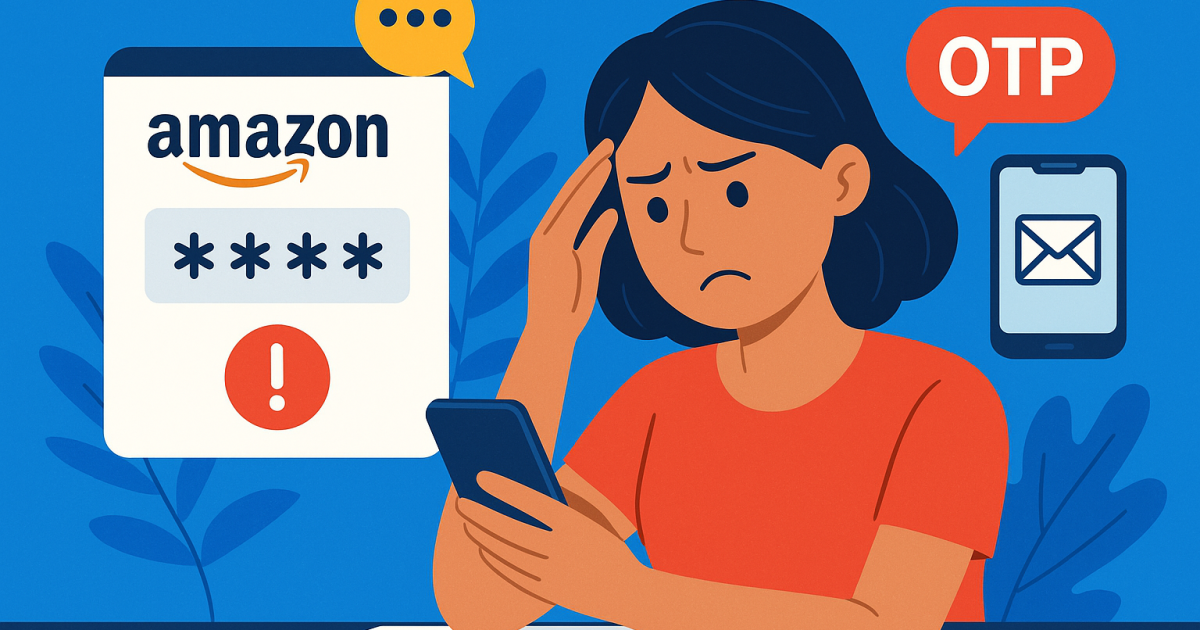
Amazon Verification Code Not Received: Understanding Common OTP Delivery Problems
Introduction
In an age where online security is paramount, companies like Amazon use verification codes to ensure that only you can access your account. However, many users experience frustrating delays or failures when trying to receive their Amazon verification codes. Understanding the intricacies of OTP (One-Time Password) delivery can help diagnose and overcome these issues, enhancing account security and user satisfaction.
Why Amazon Uses Verification Codes
Amazon employs verification codes as a dual layer of security to protect user accounts from unauthorized access. These codes serve a vital purpose:
- Authenticate device and user identity
- Prevent unauthorized purchases
- Minimize fraud and compromise risks
- Enable secure transactions and interactions
By implementing this measure, Amazon can ensure that even if someone gains access to your password, they would still need the unique code sent to your registered number or email to log in.
How OTP Delivery Works Behind the Scenes
When you attempt to log in to your Amazon account and take extra steps to verify your identity, Amazon triggers its OTP delivery system, connecting various components:
- Authenticity Check: Your credential combination (email and password) is matched against the database.
- Token Generation: A unique code is generated that expires after a short period.
- Delivery Method: The code is then routed through SMS gateways or email servers to reach you promptly.
- Verification Feedback: If the code is entered correctly, access is granted; otherwise, you initiate a retry workflow.
This entire process can be influenced by various factors, leading to potential delivery failures, explained in the subsequent sections.
Common Reasons Verification Codes Fail to Arrive
Receiving an Amazon verification code is not always seamless. Here are common reasons why delivery may fail:
- Network Issues: Temporary drops or low signal strength on your mobile network can prevent SMS from arriving.
- Incorrect Phone Number: Ensure you’re using the correct number saved in your Amazon account.
- Carrier Blocking: Some carriers may block certain types of SMS or have issues with short codes.
- Device Settings: Do not disturb settings, or blocked numbers can hinder SMS delivery.
Carrier and Mobile Network Issues
Mobile carriers play a crucial role in distributing verification codes. Some common issues that can arise include:
- Network Congestion: High traffic levels can slow delivery.
- Overage Charges or Plans: If you're on a restricted mobile plan, this may impact your ability to receive messages.
- Routing Problems: SMS must be routed correctly through different systems; errors in routing cause delays.
If you're facing frequent issues, consider opening a dialogue with your carrier for insights specific to your service.
Device Settings That Can Affect OTP Reception
Your device also has a role in how well you can receive verification codes. To optimize your chances, consider the following settings:
- Do Not Disturb: Make sure you check if this mode is active on your device, which can restrict message notifications.
- Blocked Numbers: Check your settings to ensure the Amazon number is not unintentionally blocked.
- SMS Permissions: Confirm that your SMS application has proper permission settings enabled.
Security Systems That May Delay Verification
Amazon has integrated security checks that might affect the faster delivery of OTPs:
- Fraud Detection Systems: Extra scrutiny may delay your SMS if suspicious activity is detected.
- Verification Triggers: Repeated requests may trigger the system to introduce more security checkpoints.
These added layers can inadvertently affect user experience but ultimately serve to enhance your account’s safety.
Amazon Verification Code Error Messages Explained
Errors can occur during the verification code process. This section outlines common messages you may encounter:
- No codes sent: Indicates possible user input errors or incorrect phone information.
- Too many attempts: You might be temporarily locked out due to repeated calls for codes.
Familiarizing yourself with these messages can make it easier to understand failing deliveries and further action you may need to take.
Step-by-Step Troubleshooting Guide
If you're encountering an issue where your Amazon verification code isn't arriving, follow these troubleshooting steps:
- Check for errors in your account phone number.
- Ensure network connectivity and proper carrier service.
- Inspect device settings for Do Not Disturb mode or blocked messages.
- Contact your mobile carrier for possible-blocking configurations.
- Try using an alternative email, provided that Amazon allows this option for OTP verification.
- If problems persist, consider setting up an OTP reception solution like PVACodes, offering temporary phone numbers that receive SMS securely.
Alternative Verification Methods
In cases of OTP delivery problems, Amazon offers alternative methods that may expedite the verification process:
- Email Verification: Switch to receiving verification codes through your primary email.
- Authenticator Apps: Use apps like Google Authenticator or Authy for code generation.
- Security Questions: Some services might vary on allowing you to revert to security question prompts.
Security and Privacy Considerations
Whenever you're involved in account security measures, it's important to evaluate safety. Keep in mind:
- Use unique passwords.
- Regularly change passwords and review account activity.
- Consider 2FA (Two-Factor Authentication) across other services for an additional security layer.
Best Practices for Reliable OTP Reception
For optimal success rates in receiving your OTPs, here are some best practices:
- Keep communication preferences updated frequently to fetch all codes effectively.
- Explore similar reliable services that offer SMS to your personal or temporary numbers.
- If frequently logged into the service, consider marking it as a trusted device to minimize checks.
Frequently Asked Questions
1. Why didn't I receive my Amazon verification code?
This could be due to incorrect account information, mobile carrier interference, or device settings. Follow troubleshooting steps to diagnose the issue.
2. How long should OTP delivery take?
Typically, OTPs deliver within seconds; delays may exist due to network or route issues with SMS gateways.
3. What carrier issues can affect delivery?
Network congestion, blocking of short codes, or signal fluctuations influence timely delivery through your mobile carrier.
4. What device settings should I check?
Investigate Do Not Disturb mode, number blocking, and SMS permission settings on your device.
5. Why does Amazon request verification?
Amazon issues verification codes to protect your accounts from unauthorized access and to enhance overall account security.
6. What alternatives exist if SMS does not arrive?
Consider email verification, authenticator apps, or reach out to customer support for assistance.
7. How often should I review my account security settings?
It's good practice to review your security settings every month to ensure that your recovery information is current.
8. Can I receive SMS to a temporary number?
Yes, services like PVACodes provide temporary phone numbers for reliable SMS receipt when encountering regular delivery issues.
Conclusion
Experiencing issues with receiving your Amazon verification codes can be troubling and lead to accessibility concerns. Thus, recognizing the potential problems that daily affect OTP delivery can empower your issue-solving journey. By understanding the mobile carrier roles, security systems, and ensuring device settings are optimized, you'll minimize these occurrences in the future. Never hesitate to explore solutions like PVACodes for a structured way of receiving SMS